
The Best Budget Home Office Monitors
A budget display should get panel quality and practical ergonomics right before adding gaming-oriented extras.
Comfort
Ventilation, filtration, and practical monitoring.
Research-led recommendations and practical explainers for a setup that works in real homes.
START WITH THE FUNDAMENTALS
EDITORIAL GUIDES
A budget display should get panel quality and practical ergonomics right before adding gaming-oriented extras.
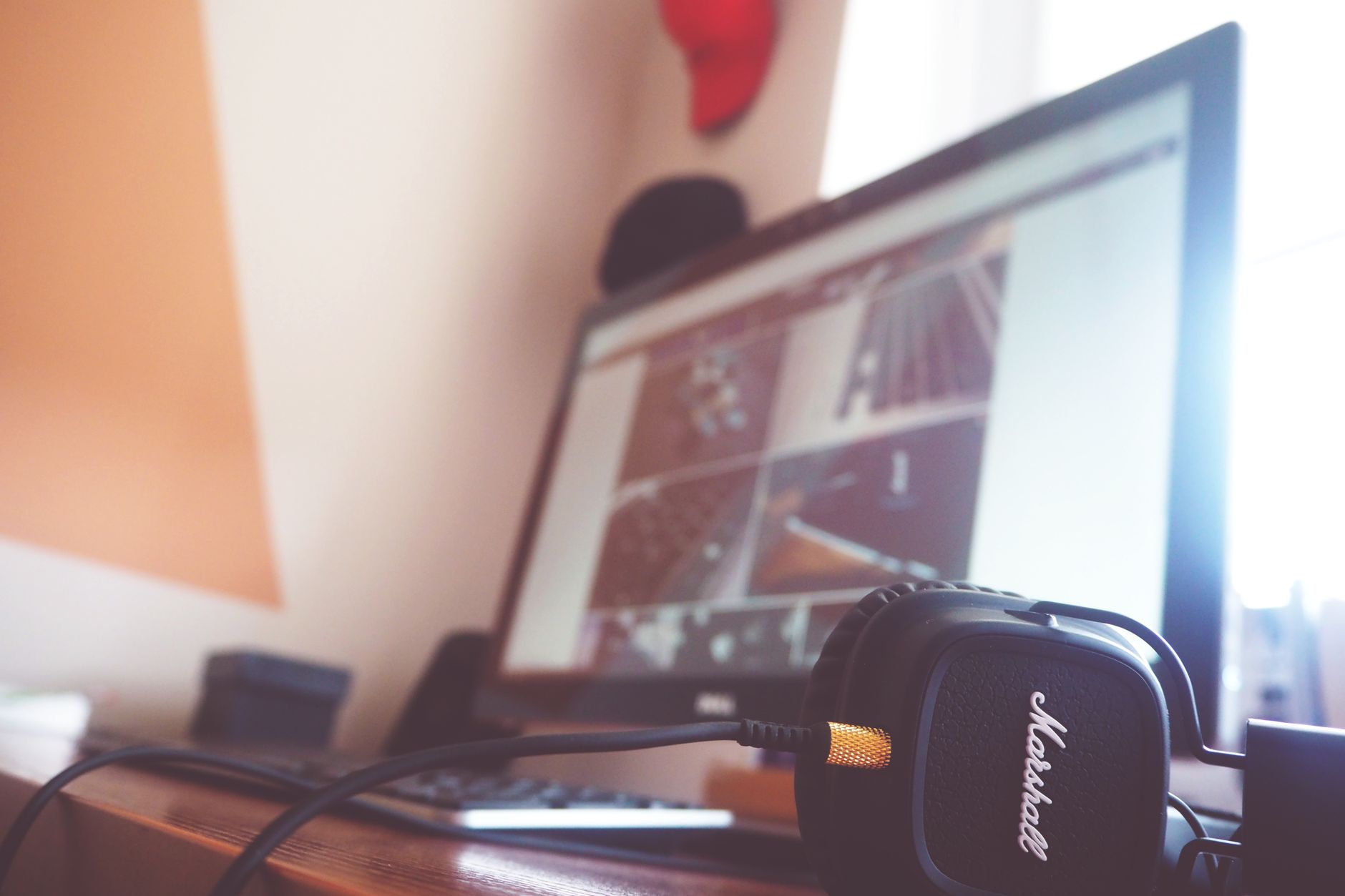
Call quality depends on microphone positioning, comfort, and connection stability, not just active noise cancellation.

Good task lighting is broad, adjustable, and positioned to illuminate work without reflecting into your eyes or display.
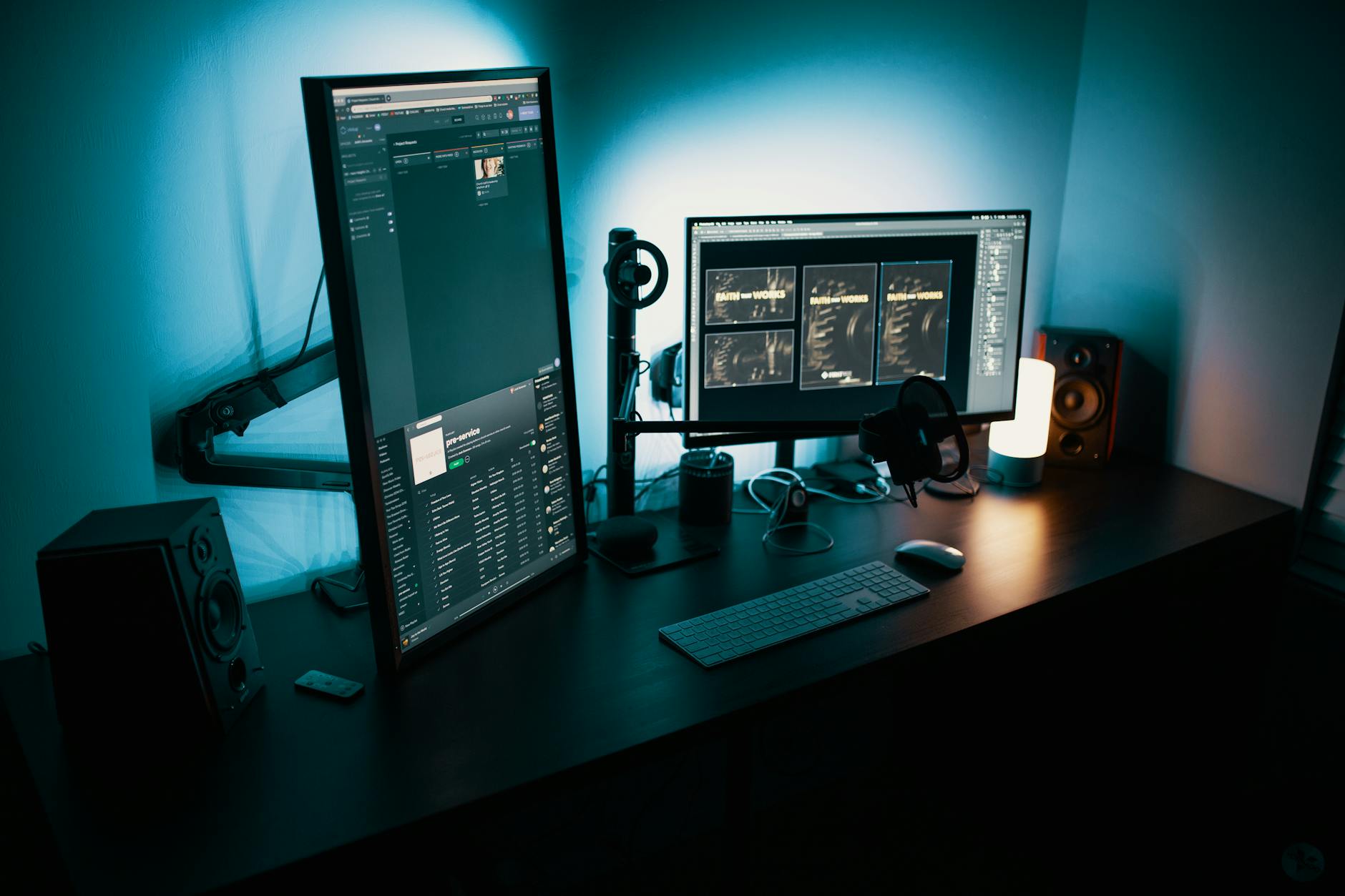
A good arm puts the display where you need it and stays there without sacrificing desk stability.

4K improves text clarity; 1440p often offers the easier value and performance balance at 27 inches.

Remote teams work better when decisions, ownership, response expectations, and meeting purpose are visible.

Ventilation, source control, and appropriately sized filtration can make a closed workroom more comfortable.

Ergonomics is an adjustable relationship between your body, tasks, and tools, not a single perfect posture.
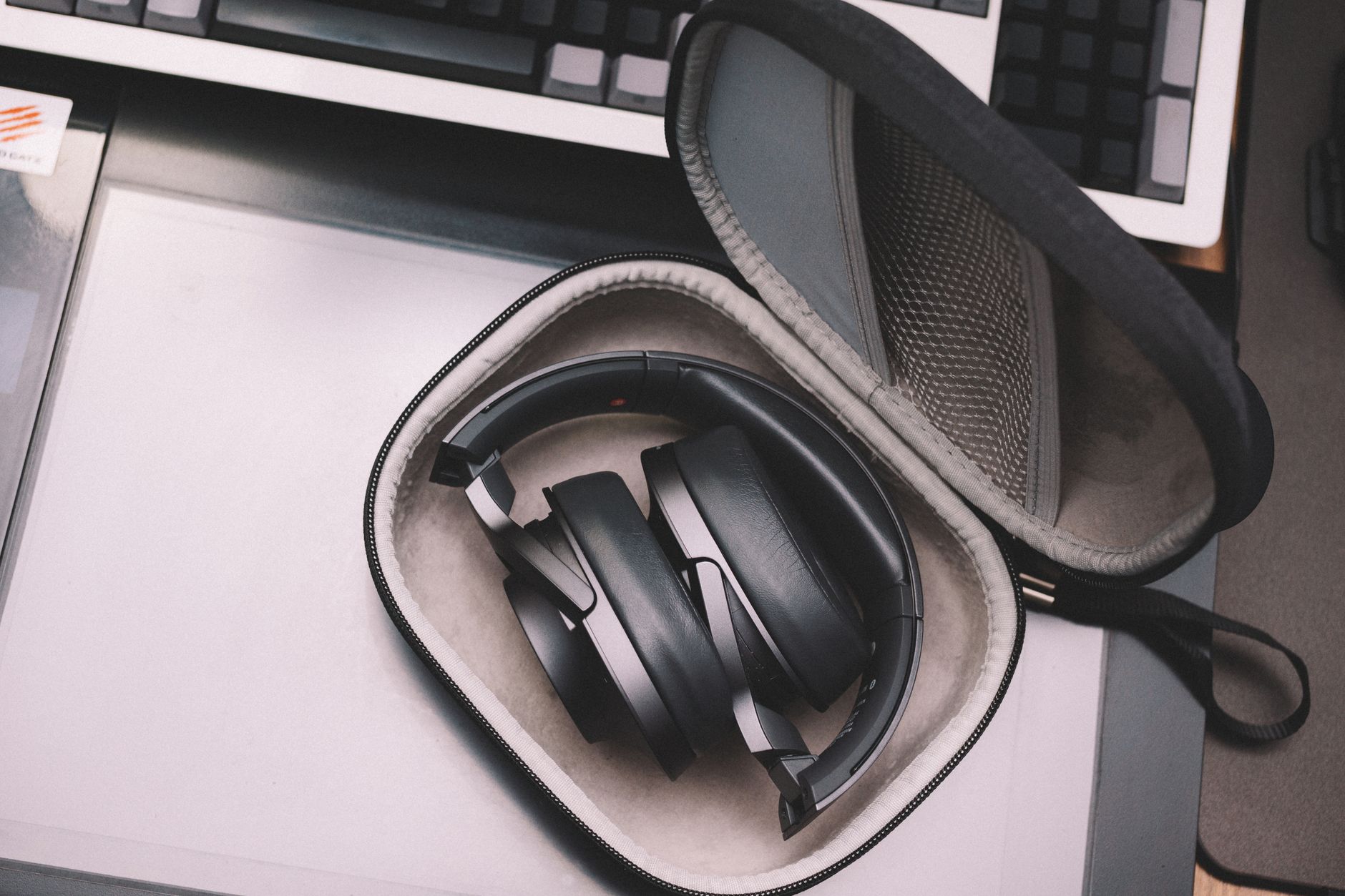
Reduce noise at the source, seal obvious paths, add soft absorption, and use headphones only for what remains.