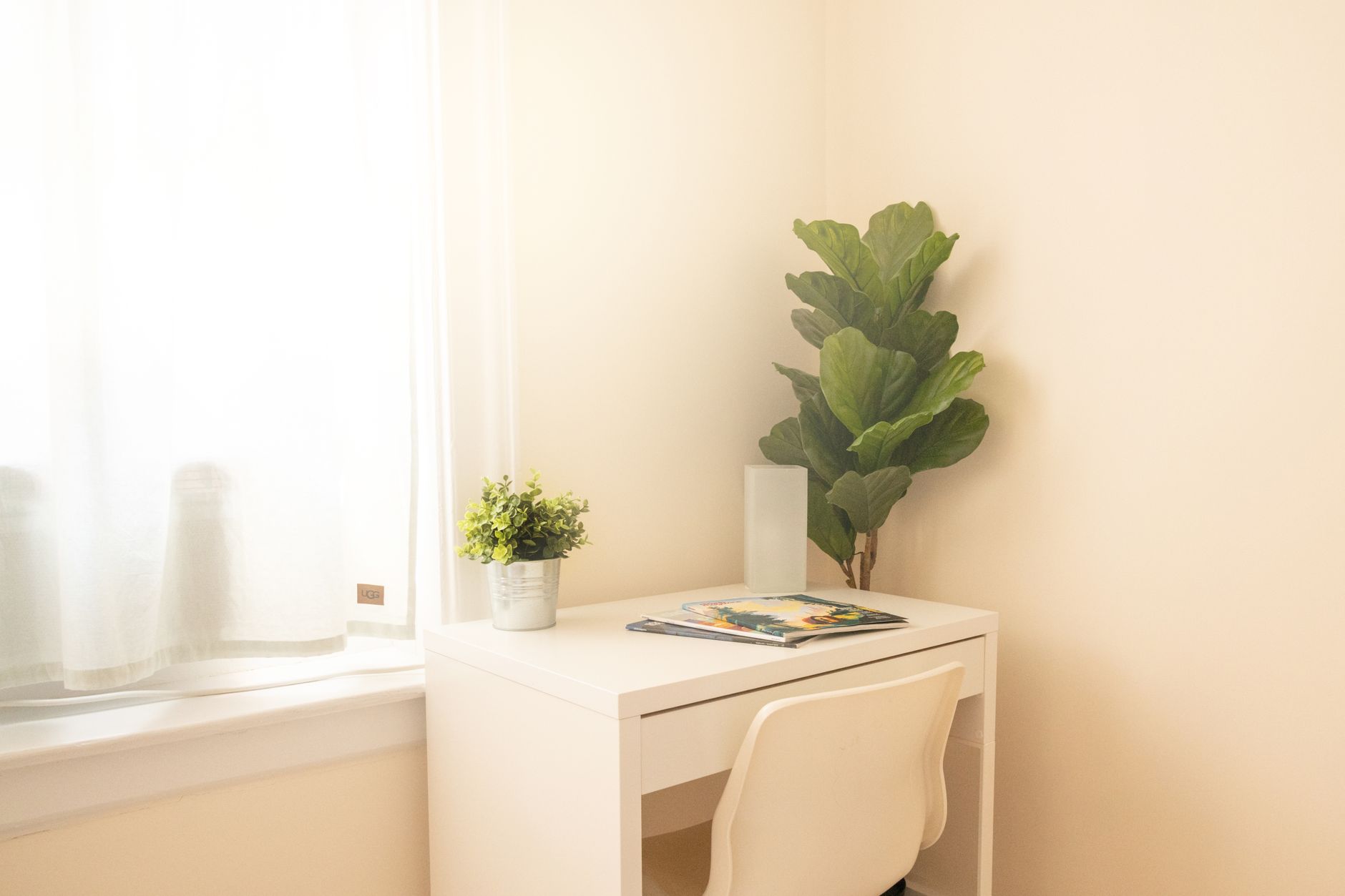
How to Build a Great Home Office for Under $500
A limited budget works when it follows the sources of discomfort and lost time instead of a generic shopping list.
Start-to-finish help
Step-by-step plans for setting up, troubleshooting, and improving the way you work from home.
The best work-from-home choices connect the room, equipment, body, and routine. We cover the full system, one practical decision at a time.

FEATURED BUYING GUIDE
A balanced setup puts comfort, screen space, clear calls, and reliable connectivity ahead of decorative extras.
Read the guideBROWSE THE SECTION
Build a balanced setup from the essentials outward.
Allocate a limited budget where it matters most.
Build a more complete setup without waste.
Plan a capable workspace with a small footprint.
Arrange, connect, and use two displays effectively.
Improve camera, light, sound, and background.
Diagnose weak or inconsistent connectivity.
Keep essential work running through brief outages.
Understand the questions to research for your situation.
Adjust chair, desk, display, and input devices.
Balance visual comfort and video-call appearance.
Create routines that survive real life.
Find legitimate remote roles, prioritize strong matches, and run a more effective application process.
A practical sequence for first-time setups.
EDITOR'S FILE
A limited budget works when it follows the sources of discomfort and lost time instead of a generic shopping list.
Measure the problem, move the router, test a wire, and only then decide whether you need new equipment.
Put the camera near eye level, face a soft light source, and simplify the frame before buying a new camera.
Move the microphone closer, reduce room echo, and control competing noise before changing software settings.
Comfortable office lighting combines controlled daylight, gentle room light, and a focused task source.
NOT SURE WHERE TO BEGIN?
Answer a few questions about your desk, chair, screen, calls, network, and power. We’ll rank the three areas most worth your attention.