
How to Build Your First Home Office
A first setup should be easy to adjust, easy to understand, and built in the order that work actually happens.
Guides
A practical sequence for first-time setups.
Research-led recommendations and practical explainers for a setup that works in real homes.
START WITH THE FUNDAMENTALS
EDITORIAL GUIDES
A first setup should be easy to adjust, easy to understand, and built in the order that work actually happens.

Two screens work best when one has a clear primary role and both are positioned around your actual tasks.

A practical comparison of eight remote job sites, who each one serves best, what access costs, and how to verify a legitimate work-from-home opening before you apply.
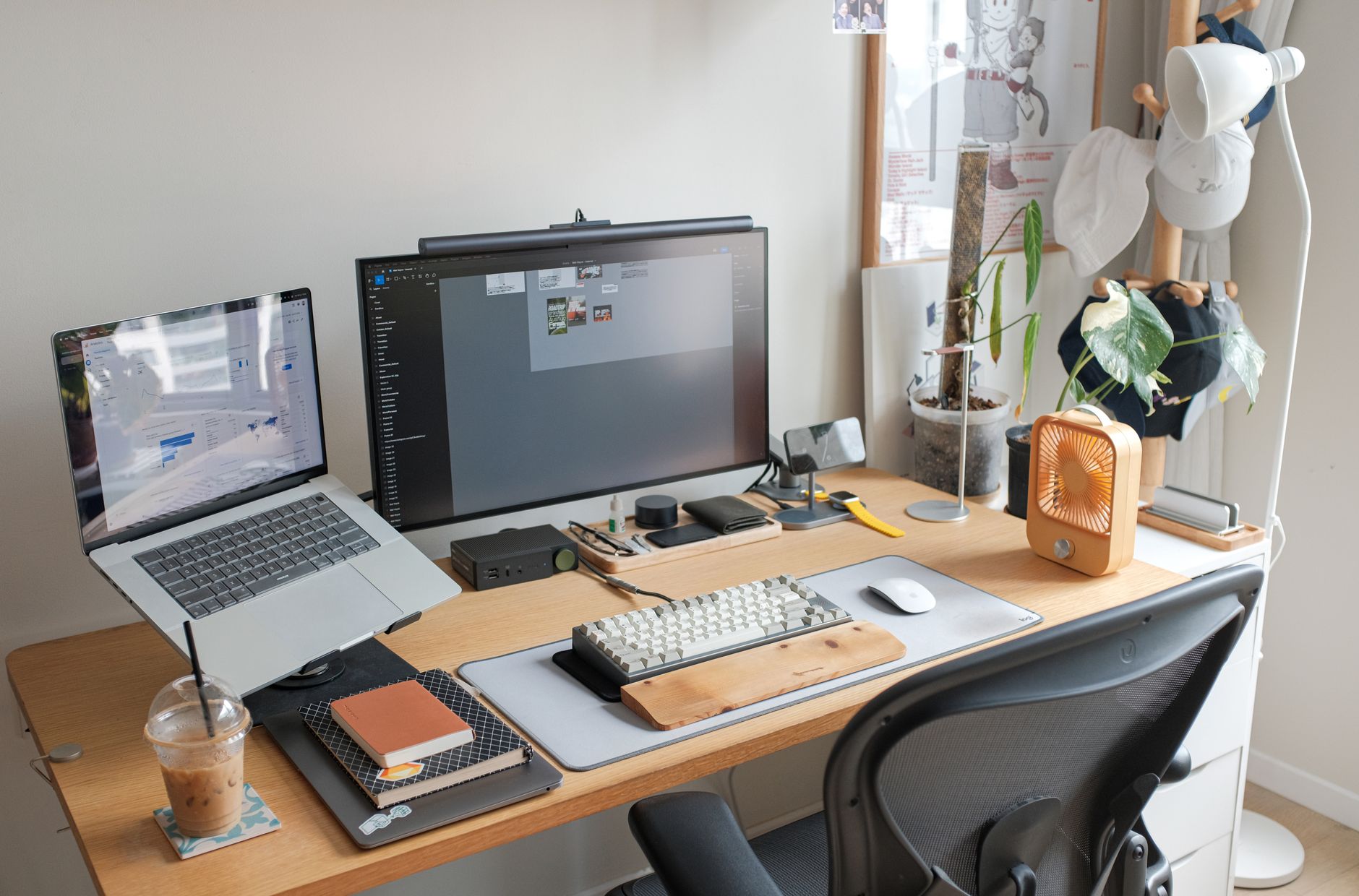
The best accessories remove a repeated irritation, improve position, or make a setup easier to maintain.

A balanced setup puts comfort, screen space, clear calls, and reliable connectivity ahead of decorative extras.
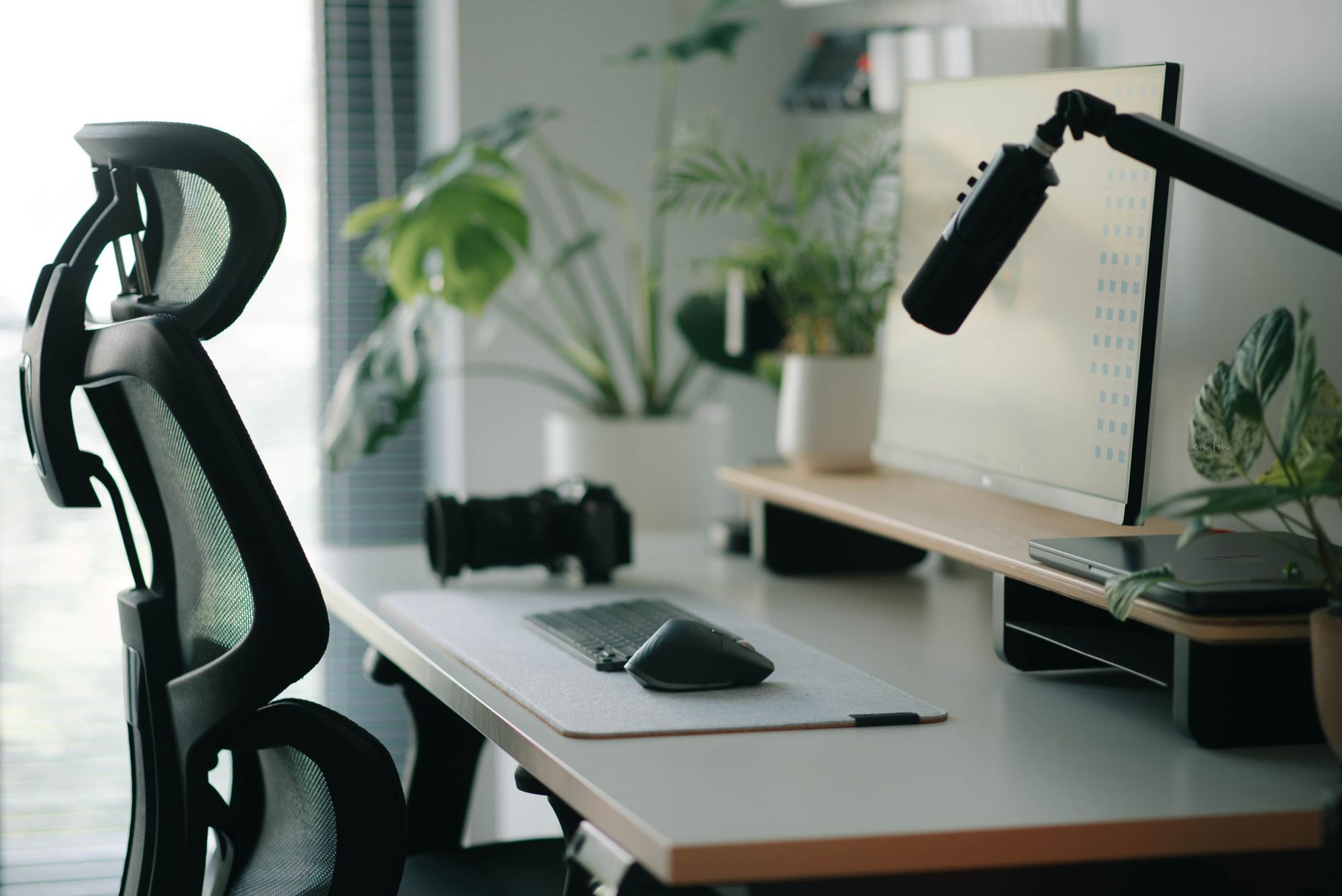
The right chair is the one that supports your proportions, tasks, and movement, not the one with the longest feature list.

A stable desk with the right dimensions outperforms a fashionable one that fights your posture and equipment.
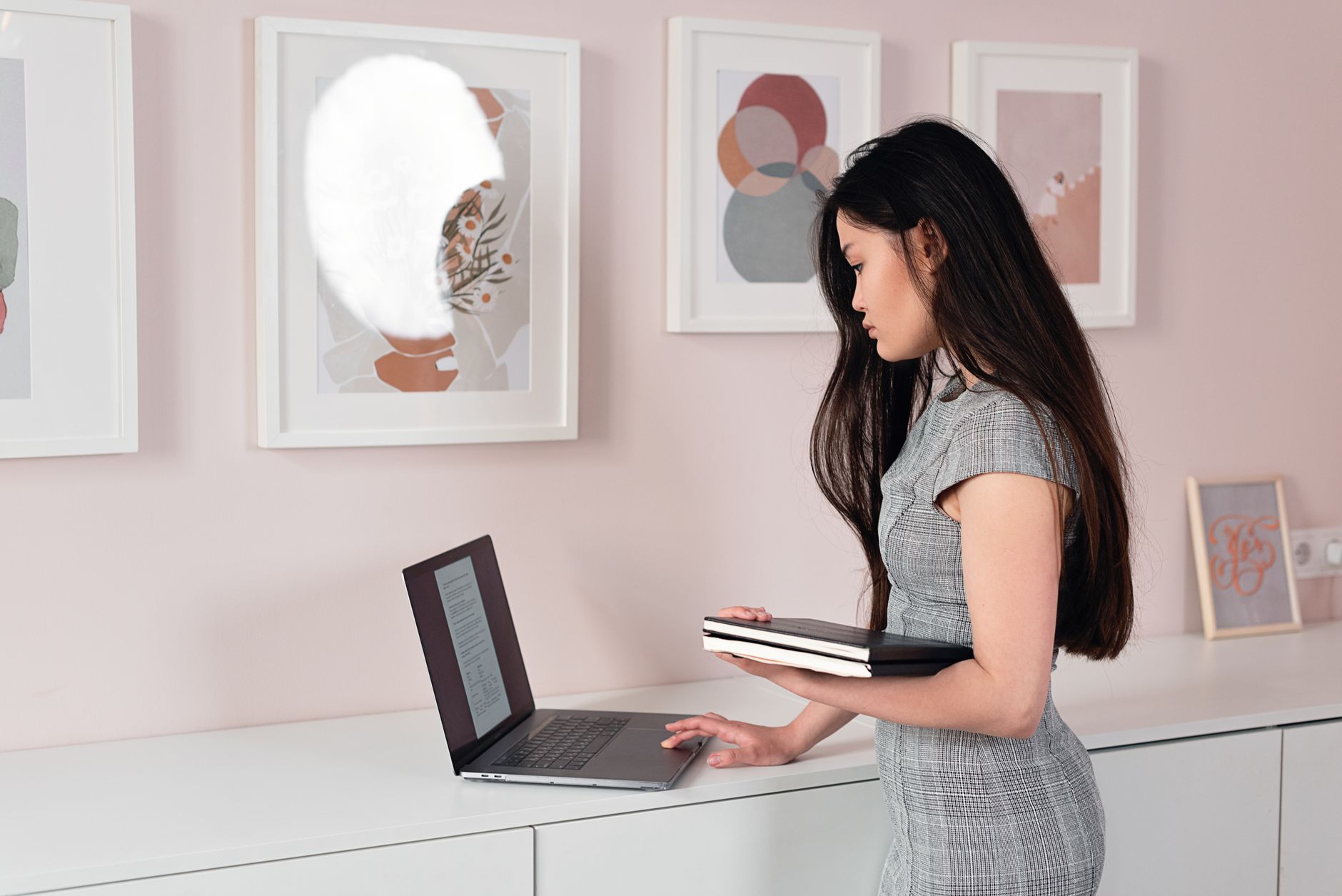
A useful sit-stand desk moves smoothly, stays steady at your standing height, and reaches low enough for seated work.

A dock should be chosen backward from your laptop, monitors, power needs, and ports, not by port count alone.