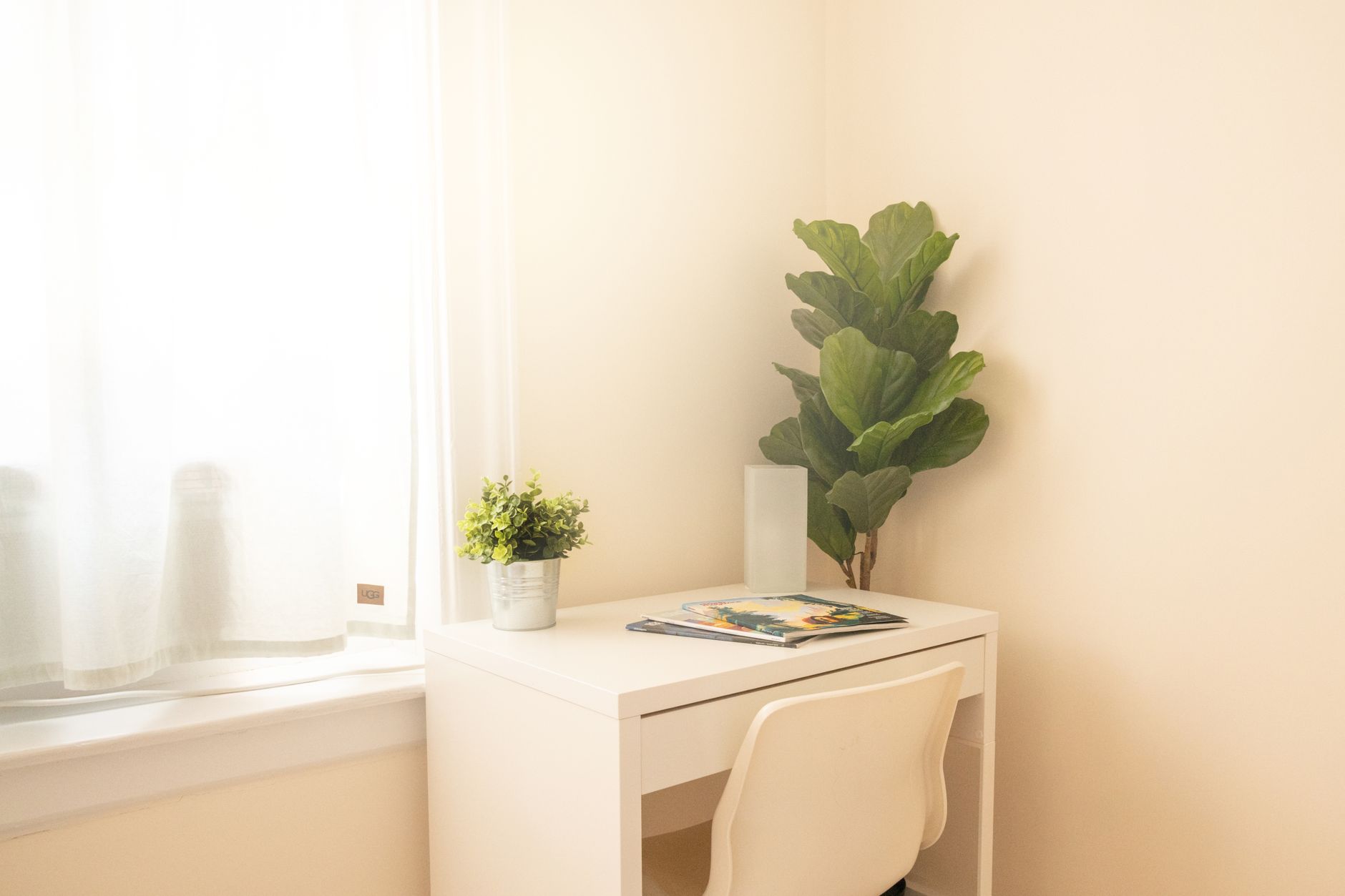
How to Build a Home Office in a Small Space
A small workspace succeeds through clear boundaries, vertical storage, and equipment that can disappear after work.
Independent guidance for working better from home.
Guides
Plan a capable workspace with a small footprint.
Research-led recommendations and practical explainers for a setup that works in real homes.

START WITH THE FUNDAMENTALS
EDITORIAL GUIDES

HOW TOGuides
A small workspace succeeds through clear boundaries, vertical storage, and equipment that can disappear after work.
By WFH Pro Tips Editorial Team · 9 min read

BEST PICKSReviews
The best accessories remove a repeated irritation, improve position, or make a setup easier to maintain.
By WFH Pro Tips Editorial Team · 9 min read
BUYING GUIDEGuides
A balanced setup puts comfort, screen space, clear calls, and reliable connectivity ahead of decorative extras.
By WFH Pro Tips Editorial Team · 9 min read
BEST PICKSReviews
For most desks, a sharp 27-inch display with good connectivity is the sensible balance of space, clarity, and cost.

By WFH Pro Tips Editorial Team · 9 min read

HOW TOGuides
A first setup should be easy to adjust, easy to understand, and built in the order that work actually happens.
By WFH Pro Tips Editorial Team · 9 min read

BUYING GUIDEGuides
A limited budget works when it follows the sources of discomfort and lost time instead of a generic shopping list.
By WFH Pro Tips Editorial Team · 9 min read
BUYING ADVICE
Write down the constraint in your own setup, compare documented specifications against it, and keep a clear way to return or adjust the choice.
RELATED CATEGORIES
Build a balanced setup from the essentials outward.
→Allocate a limited budget where it matters most.
→Build a more complete setup without waste.
→Arrange, connect, and use two displays effectively.
→Improve camera, light, sound, and background.
→