
How to Set Up an Ergonomic Home Office
Ergonomics is an adjustable relationship between your body, tasks, and tools, not a single perfect posture.
Guides
Adjust chair, desk, display, and input devices.
Research-led recommendations and practical explainers for a setup that works in real homes.
START WITH THE FUNDAMENTALS
EDITORIAL GUIDES
Ergonomics is an adjustable relationship between your body, tasks, and tools, not a single perfect posture.
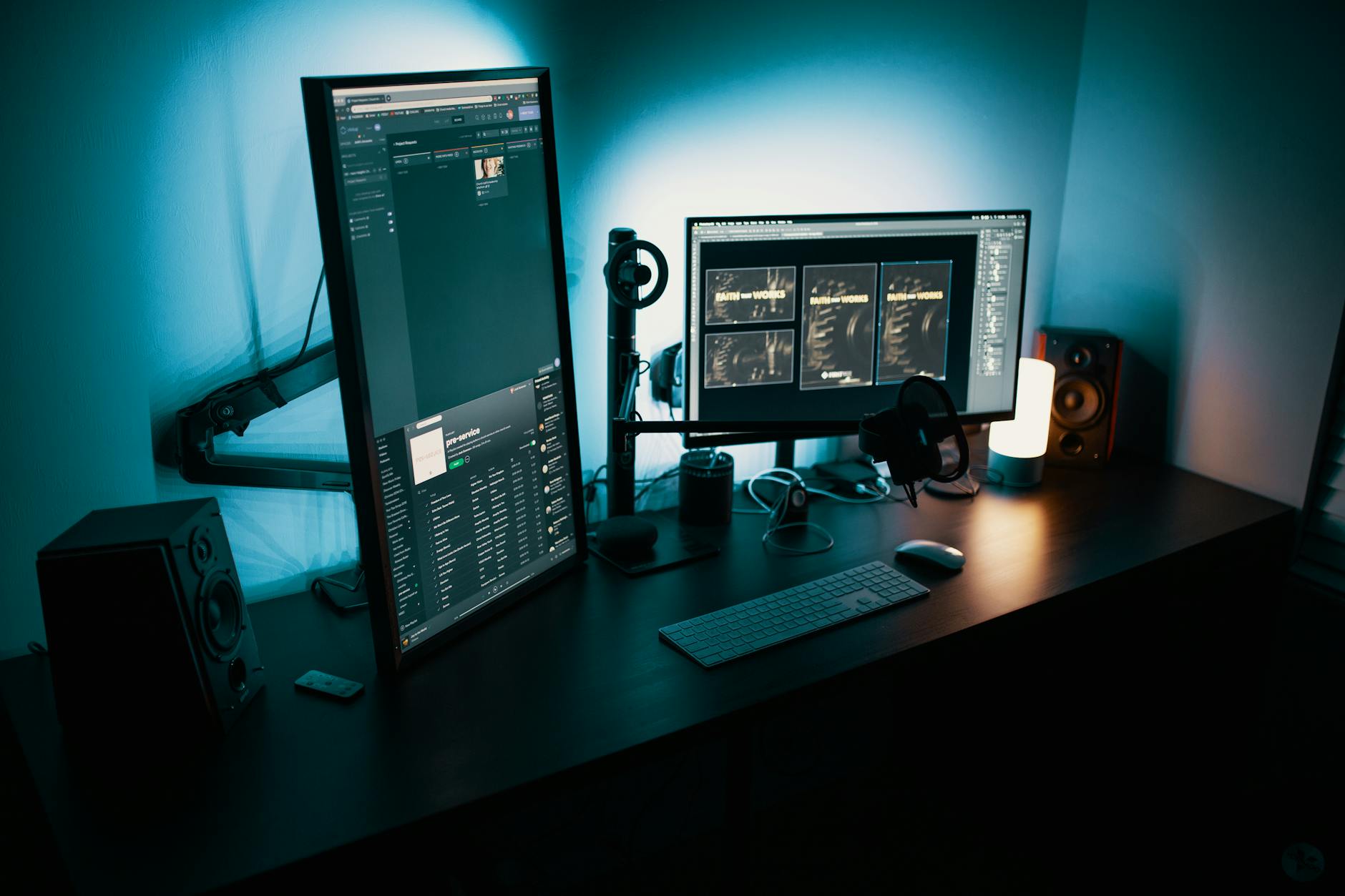
Position the primary screen close to straight ahead, far enough for relaxed focus, and high enough to avoid repeated neck bending.

For most desks, a sharp 27-inch display with good connectivity is the sensible balance of space, clarity, and cost.

A budget display should get panel quality and practical ergonomics right before adding gaming-oriented extras.
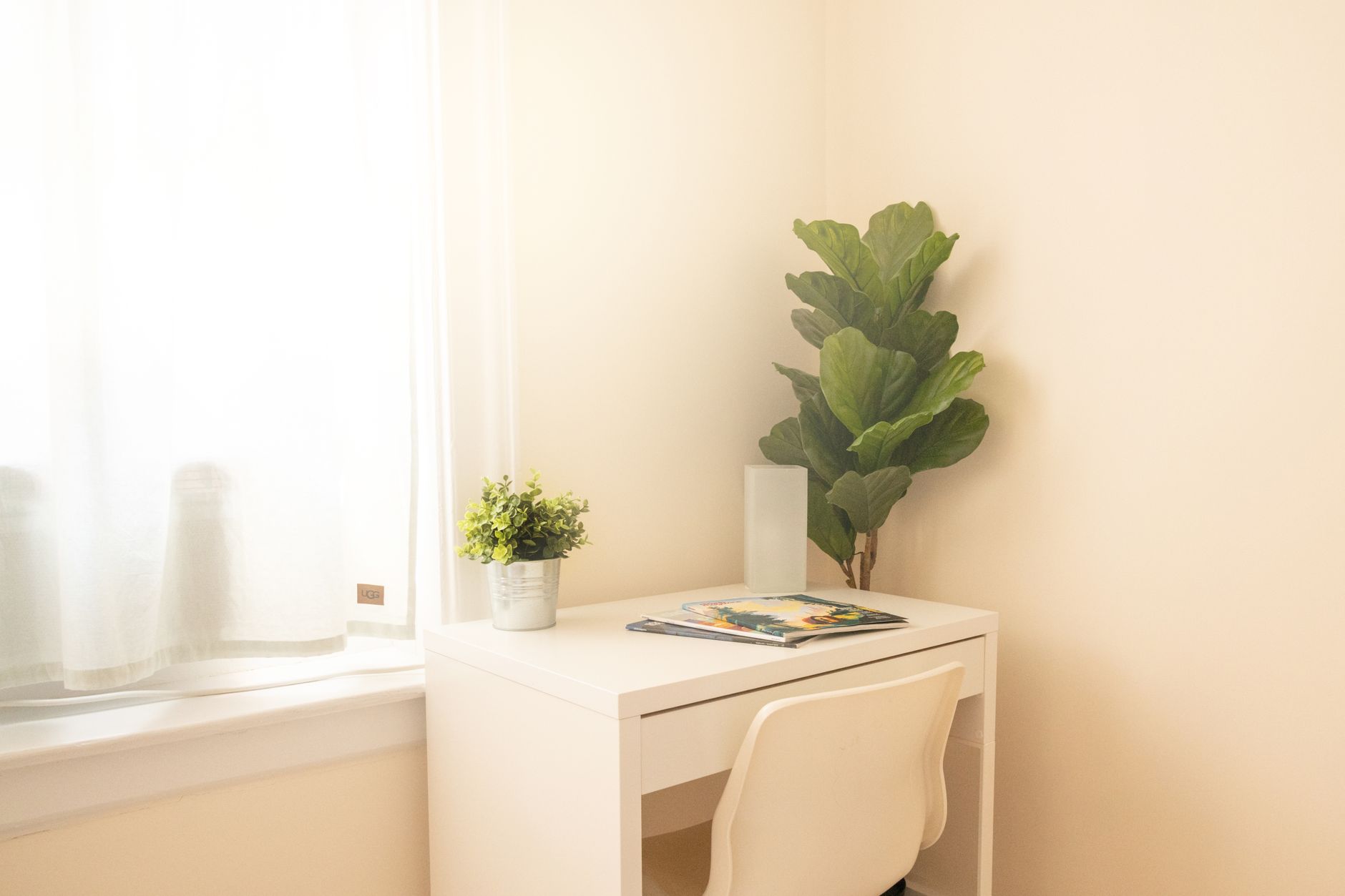
A small workspace succeeds through clear boundaries, vertical storage, and equipment that can disappear after work.

A balanced setup puts comfort, screen space, clear calls, and reliable connectivity ahead of decorative extras.

A first setup should be easy to adjust, easy to understand, and built in the order that work actually happens.

A limited budget works when it follows the sources of discomfort and lost time instead of a generic shopping list.