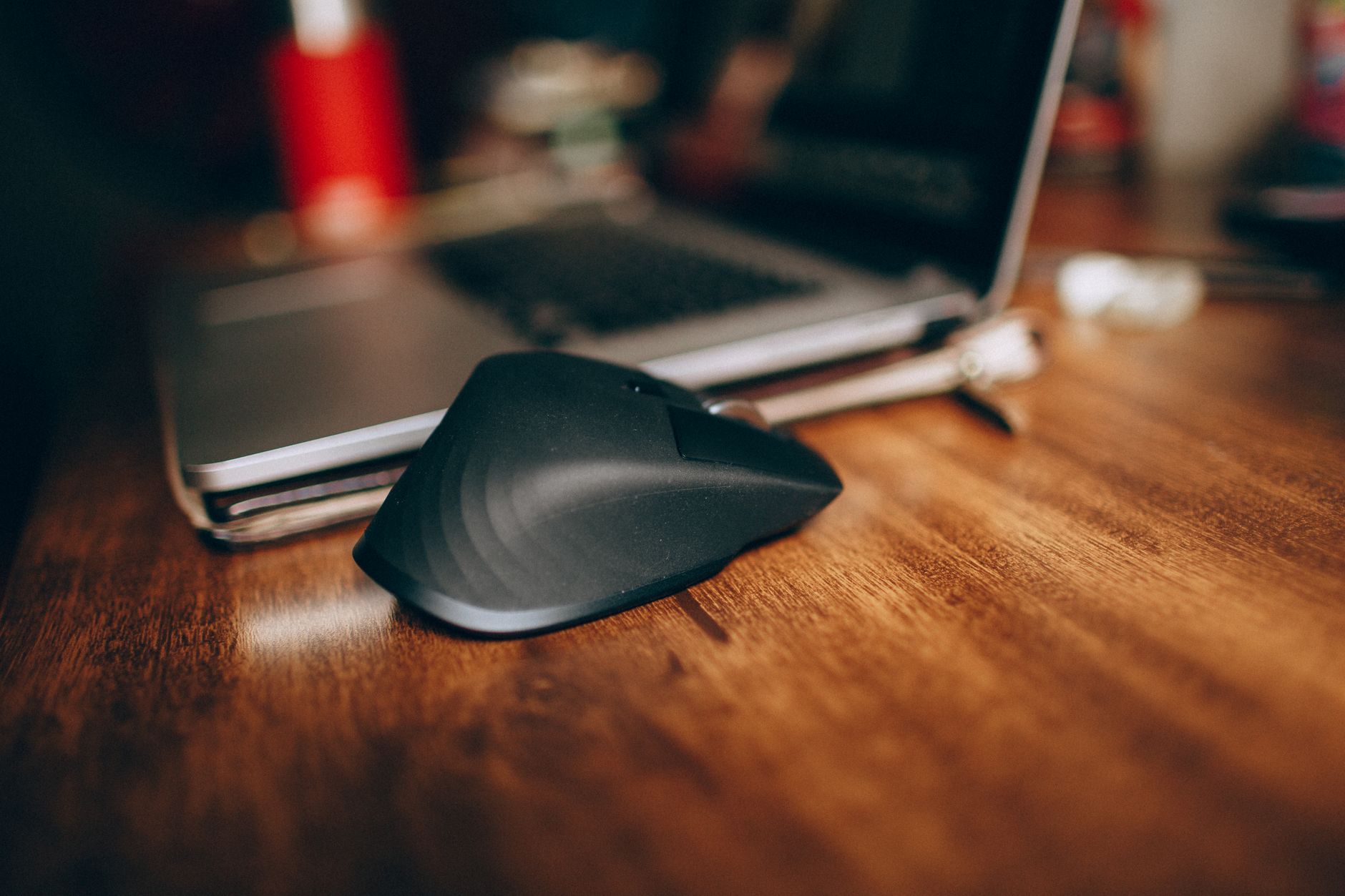
The Best Mice for Productivity
Shape, button placement, and reliable scrolling matter more for office work than extreme sensor specifications.
Productivity
Useful tools without unnecessary complexity.
Research-led recommendations and practical explainers for a setup that works in real homes.
START WITH THE FUNDAMENTALS
EDITORIAL GUIDES
Shape, button placement, and reliable scrolling matter more for office work than extreme sensor specifications.

Move the microphone closer, reduce room echo, and control competing noise before changing software settings.

Screen size only makes sense alongside resolution, viewing distance, scaling, and the kind of windows you keep open.

4K improves text clarity; 1440p often offers the easier value and performance balance at 27 inches.

A dependable remote-work system protects attention, makes progress visible, and includes a clear end to the day.

Focus improves when the next task is clear, interruptions have rules, and the environment makes starting easy.

Remote teams work better when decisions, ownership, response expectations, and meeting purpose are visible.