Reviews

Monitors

Clear, practical displays for productive work.

Research-led recommendations and practical explainers for a setup that works in real homes.

Home office monitor desk

START WITH THE FUNDAMENTALS

1

Choose resolution and size together

2

Check laptop and dock display limits

3

Position the primary screen around the task

EDITORIAL GUIDES

What to read next

Home office monitor desk

The Best Monitors for Working From Home

For most desks, a sharp 27-inch display with good connectivity is the sensible balance of space, clarity, and cost.

Computer monitor workspace close up

The Best Budget Home Office Monitors

A budget display should get panel quality and practical ergonomics right before adding gaming-oriented extras.

Laptop docking station desk cables

The Best Docking Stations

A dock should be chosen backward from your laptop, monitors, power needs, and ports, not by port count alone.

Dual monitor home office

How to Set Up Dual Monitors

Two screens work best when one has a clear primary role and both are positioned around your actual tasks.

Beautiful modern home office natural light

The Best Home Office Setup for Most People

A balanced setup puts comfort, screen space, clear calls, and reliable connectivity ahead of decorative extras.
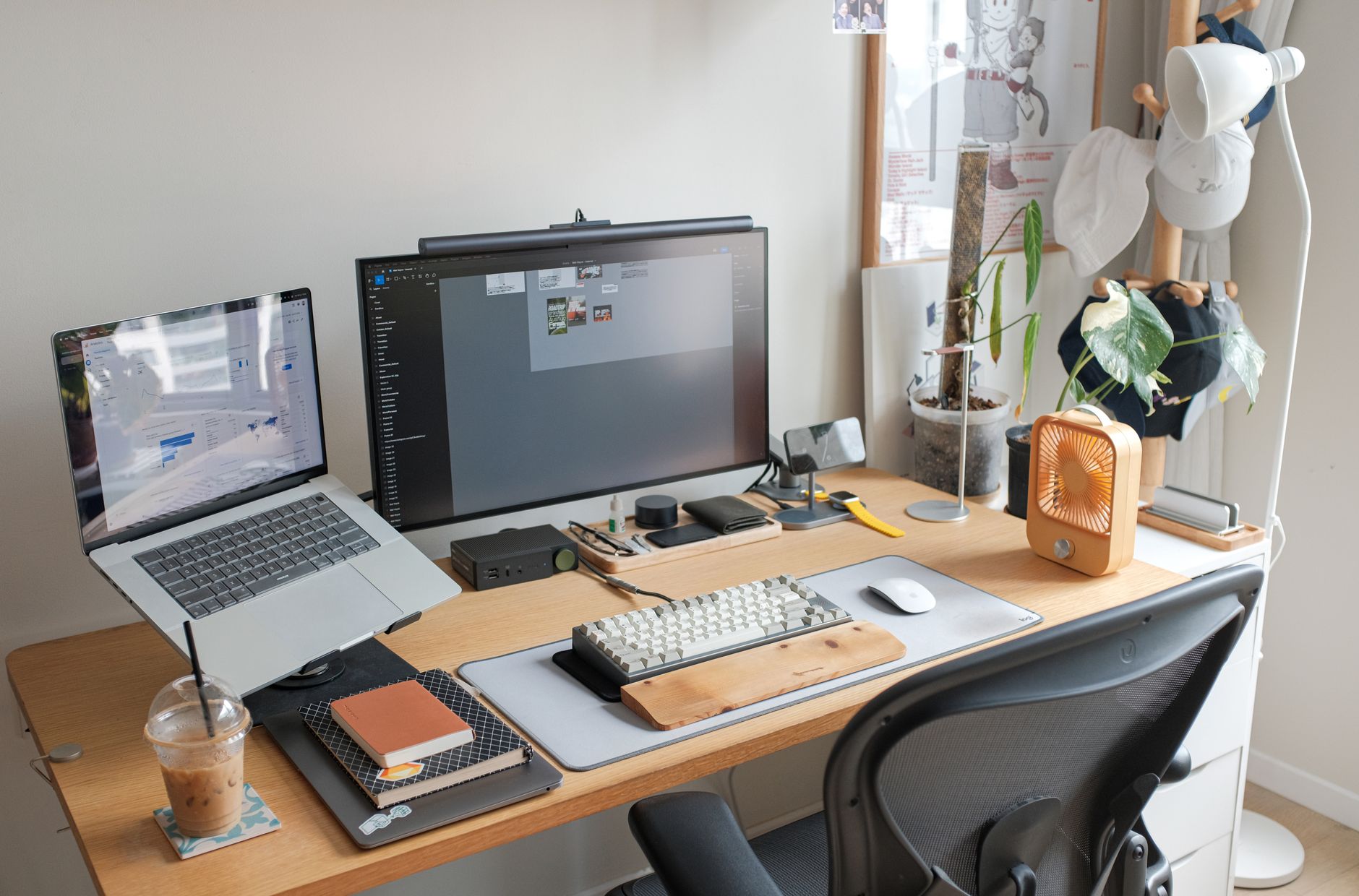
Home office desk accessories

Best Home Office Accessories

The best accessories remove a repeated irritation, improve position, or make a setup easier to maintain.

First home office laptop desk

How to Build Your First Home Office

A first setup should be easy to adjust, easy to understand, and built in the order that work actually happens.

BUYING ADVICE

Make the choice in the right order.

  1. 01

    Choose resolution and size together

    Write down the constraint in your own setup, compare documented specifications against it, and keep a clear way to return or adjust the choice.

  2. 02

    Check laptop and dock display limits

    Write down the constraint in your own setup, compare documented specifications against it, and keep a clear way to return or adjust the choice.

  3. 03

    Position the primary screen around the task

    Write down the constraint in your own setup, compare documented specifications against it, and keep a clear way to return or adjust the choice.