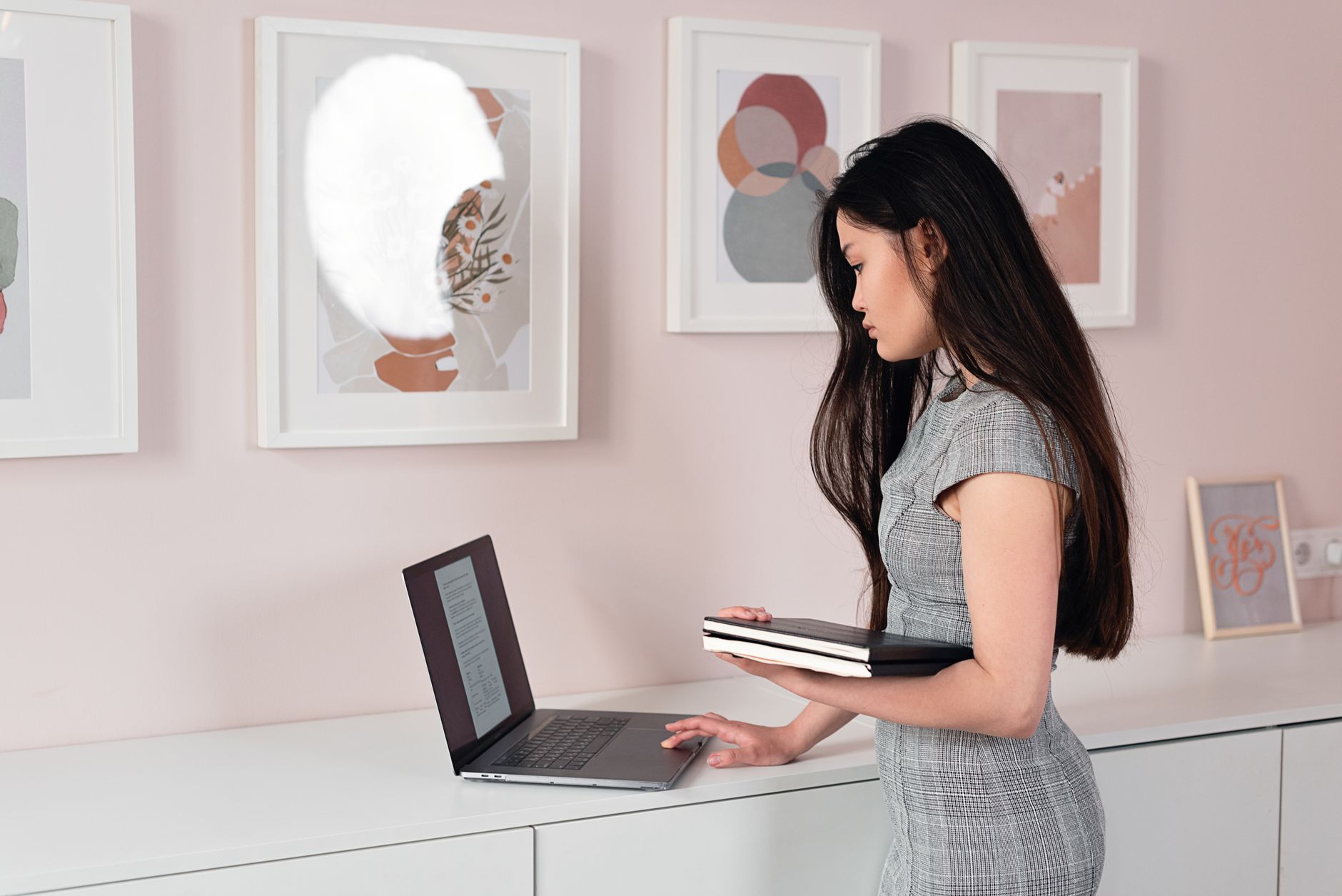
The Best Standing Desks
A useful sit-stand desk moves smoothly, stays steady at your standing height, and reaches low enough for seated work.
Workspace
Plan a stable sit-stand workspace.
Research-led recommendations and practical explainers for a setup that works in real homes.
START WITH THE FUNDAMENTALS
EDITORIAL GUIDES
A useful sit-stand desk moves smoothly, stays steady at your standing height, and reaches low enough for seated work.

Good cable management makes equipment easier to move, troubleshoot, and replace, not merely harder to see.

A stable desk with the right dimensions outperforms a fashionable one that fights your posture and equipment.

For most desks, a sharp 27-inch display with good connectivity is the sensible balance of space, clarity, and cost.

A quiet, dependable keyboard with the right layout and angle is better than one built around novelty.

A good arm puts the display where you need it and stays there without sacrificing desk stability.

A balanced setup puts comfort, screen space, clear calls, and reliable connectivity ahead of decorative extras.
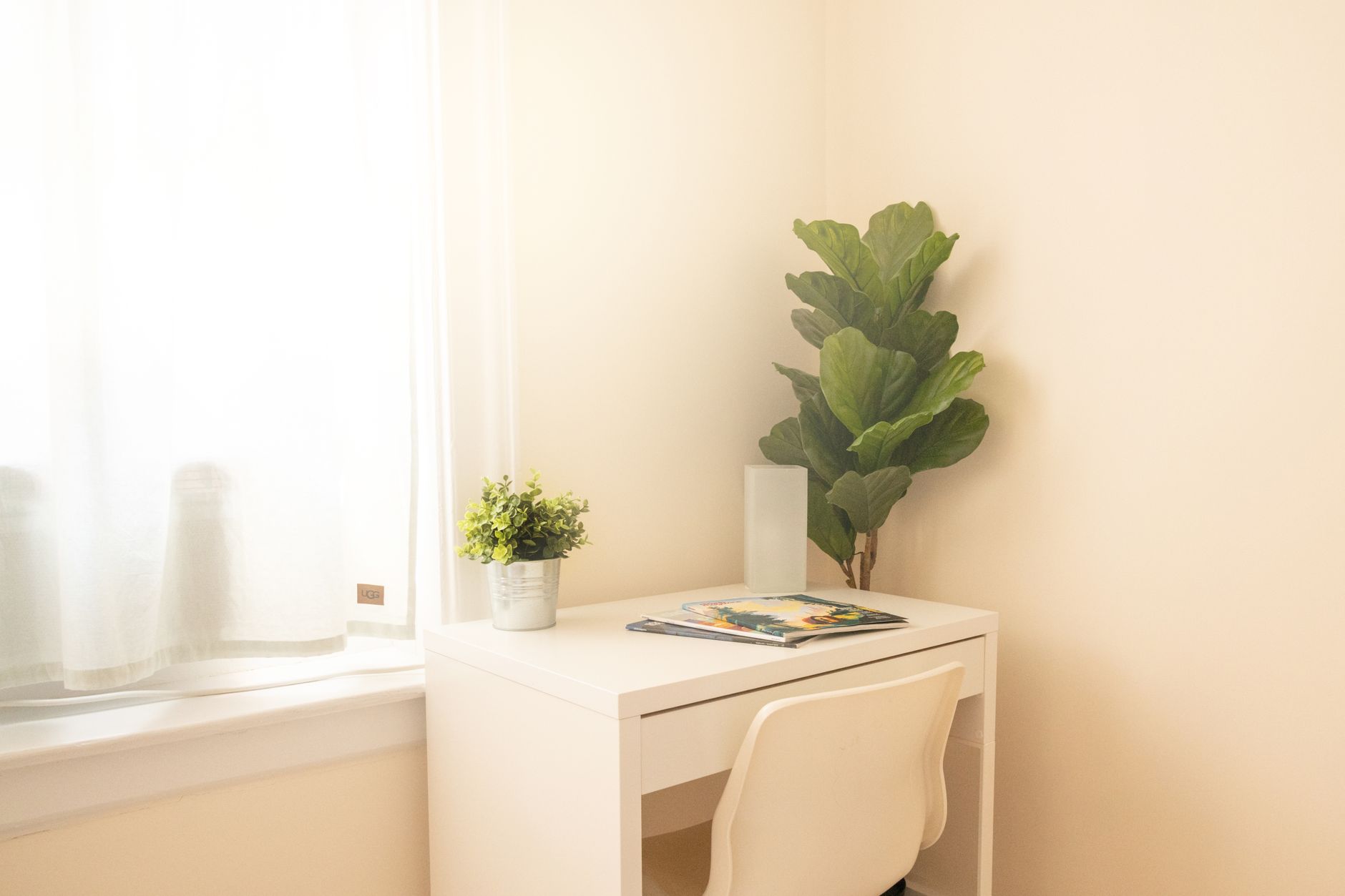
A small workspace succeeds through clear boundaries, vertical storage, and equipment that can disappear after work.

Ergonomics is an adjustable relationship between your body, tasks, and tools, not a single perfect posture.